Know it broke before they tell you.
SteadyMonitor is uptime and infrastructure monitoring for websites, APIs and internal systems, run from public agents or private agents inside your own network. We'll tell you when a service stops answering, or when a port that should be closed starts answering.
100,000 free check executions every month. Every feature on every account.
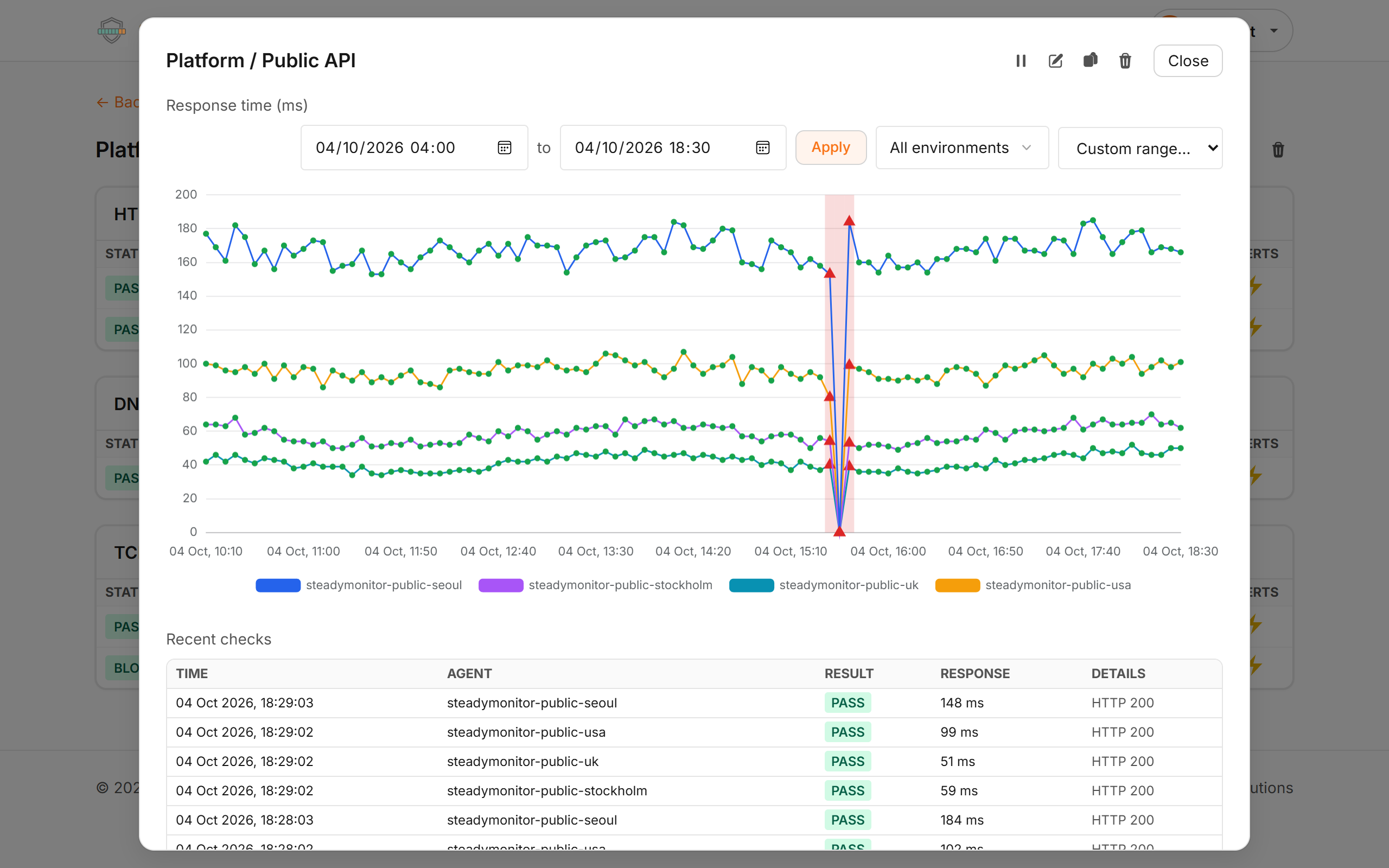
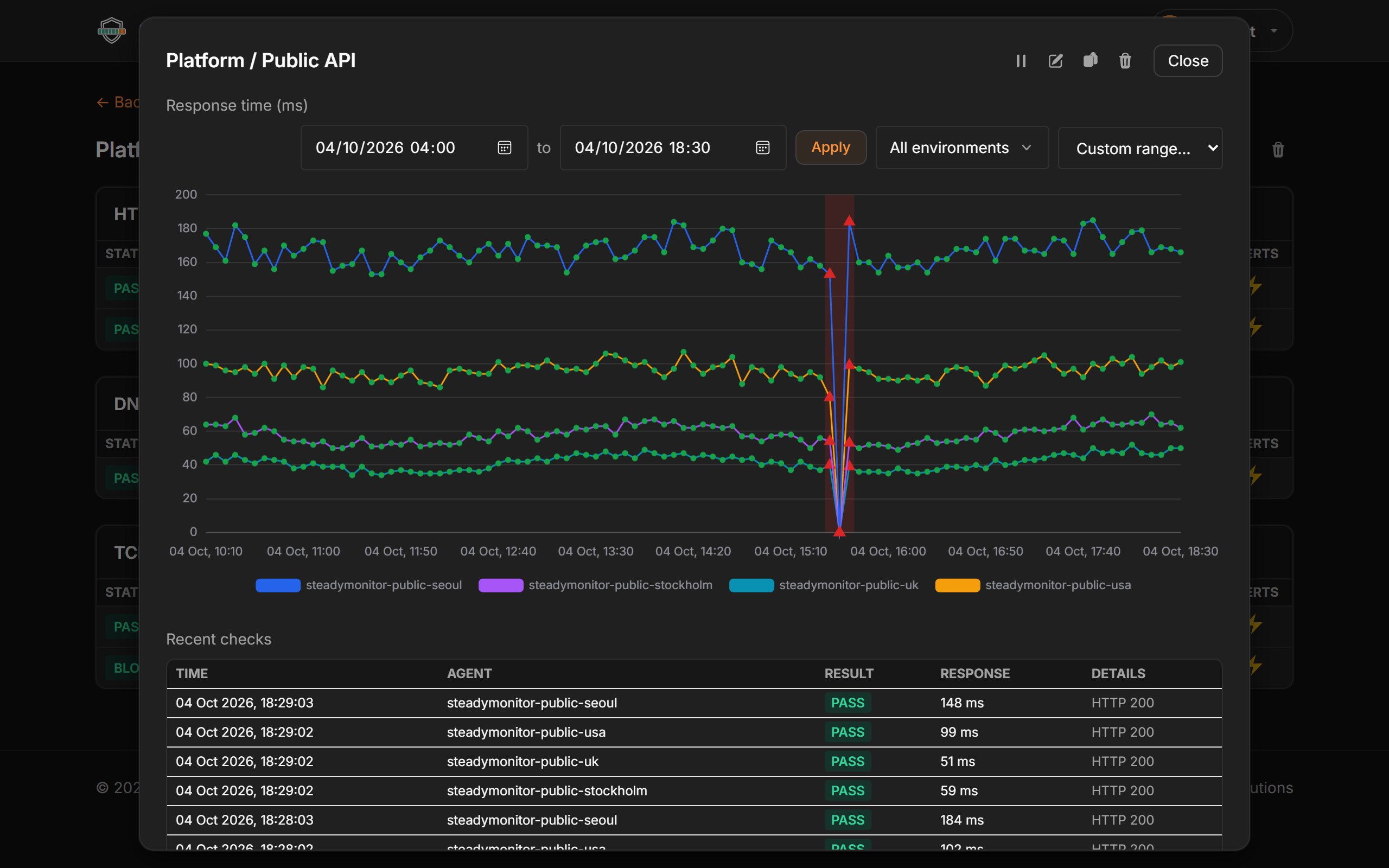
What SteadyMonitor checks
From the internet and inside your network
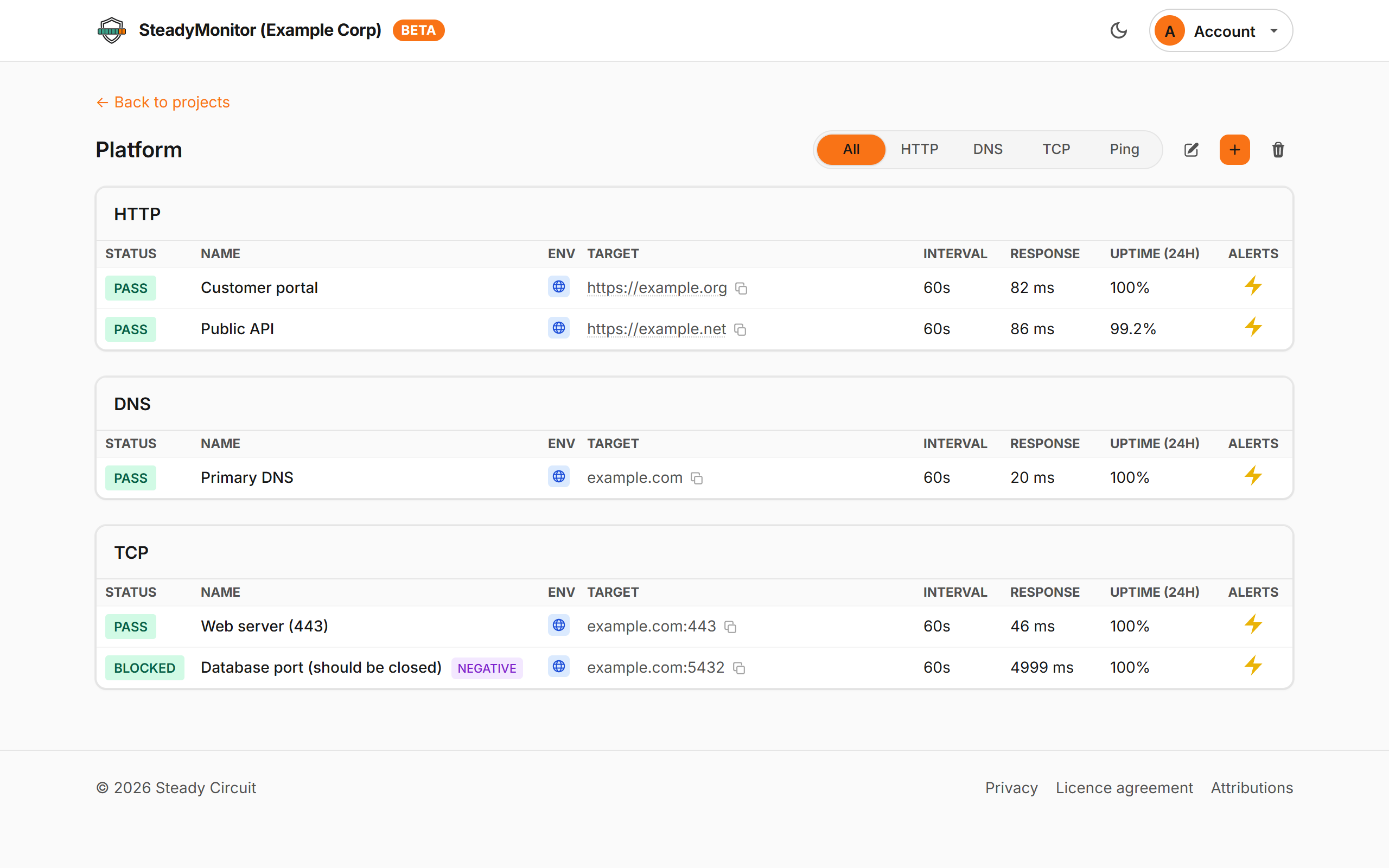
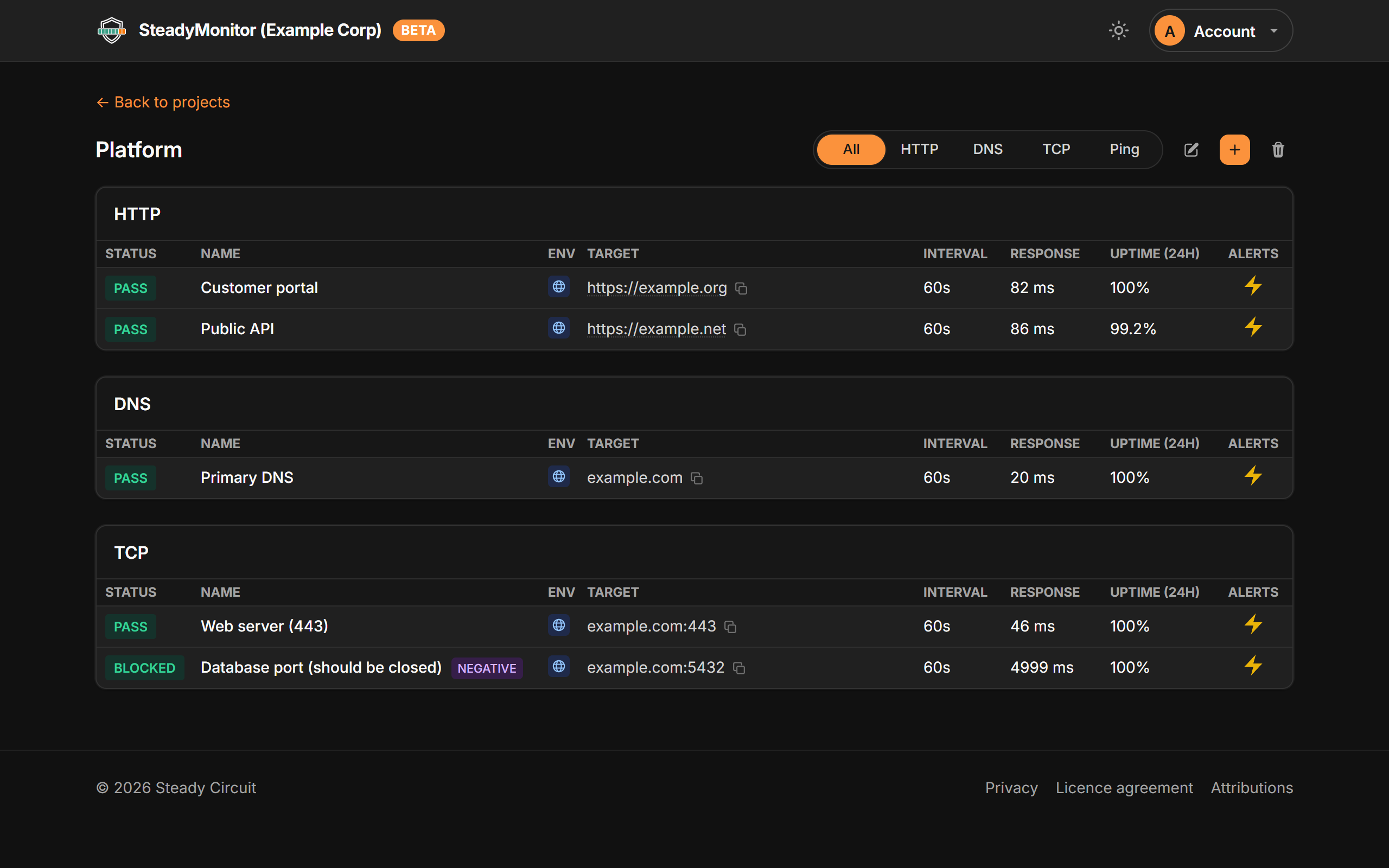
Our public agents check what your customers can reach. A private agent, a Docker container that only makes outbound connections, checks the databases and internal APIs that have no public address.
Things that should stay closed
A negative check alerts you when a database port, admin page or management interface starts answering from somewhere it shouldn't, such as after a firewall rule quietly changes.
HTTP, DNS, TCP and ping
Check status codes, response content and latency, assert DNS answers from a resolver you choose, and get warned before a TLS certificate expires. Run each check anywhere from every 15 seconds to every 24 hours.
One check for every environment
Put a variable such as https://{{HOST}}/health
in the target and give it a value per environment. The same check runs against DEV,
STAGING and PRD, with its own results, uptime and incidents in each.
Leaked secrets in responses
A 200 can still contain an API key in a stack trace or a debug page. We scan HTTP responses for GitHub, Slack, Stripe and other tokens, plus your own patterns, and alert straight away.
Your failure rule, per location
Raise an incident after, say, 3 failures in the last 5 checks. Each location is judged on its own, and the incident closes once every location is passing again.
Status pages
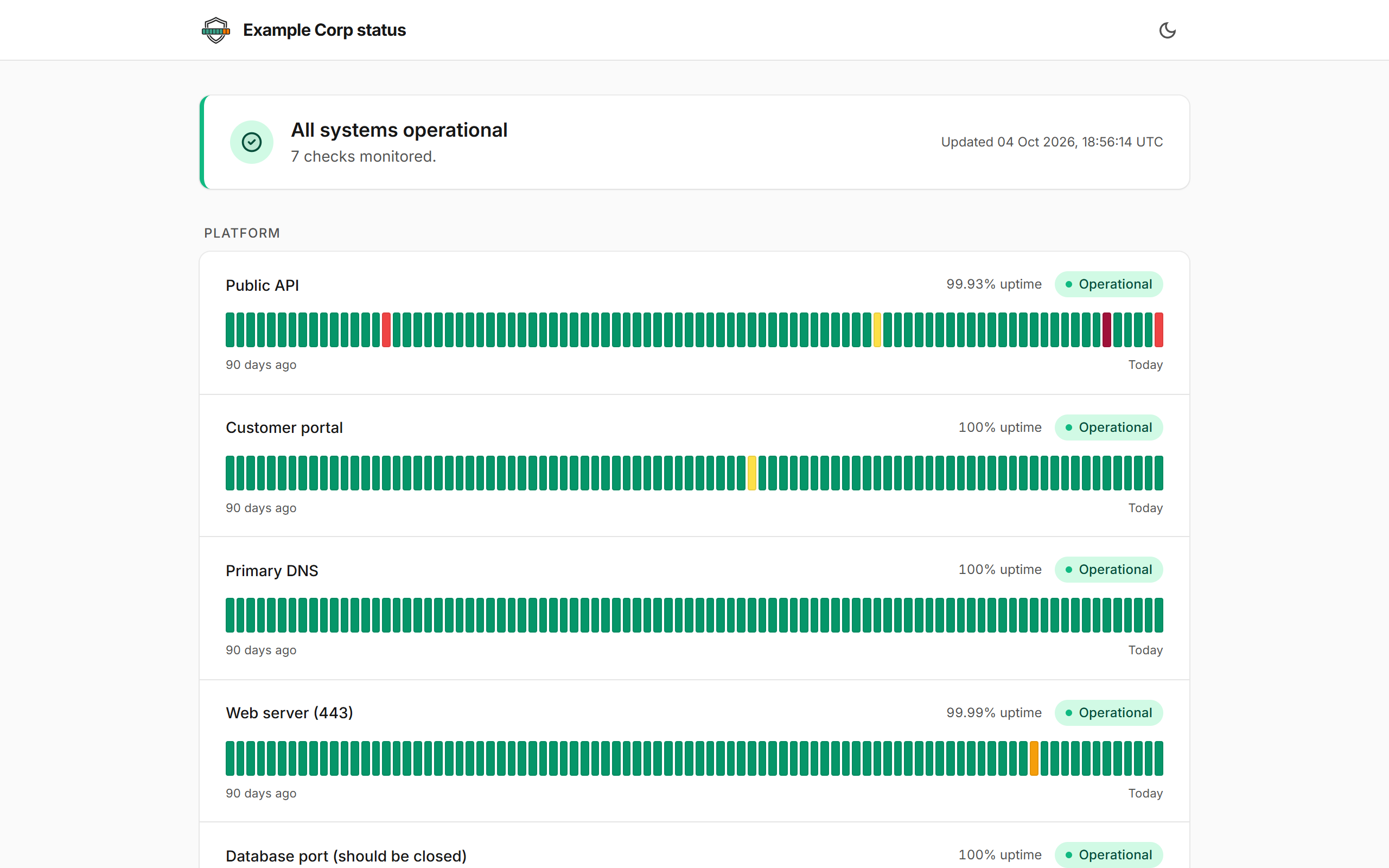
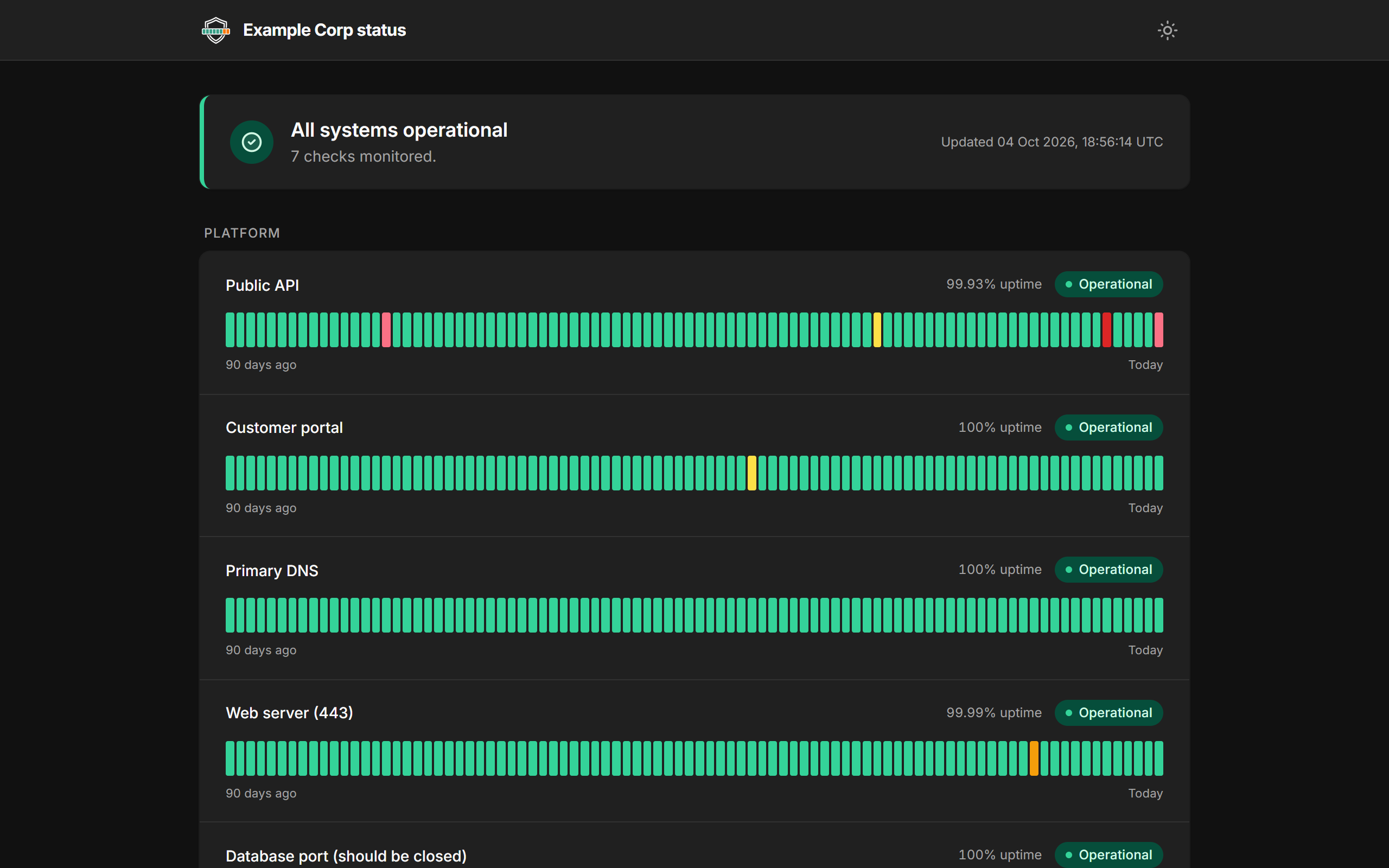
Create as many as you like, each on an unguessable link and scoped to one environment. They show current status, up to 90 days of uptime and your incident updates, never your targets, agents or error details.
An API for scripts and CI
Give each API key read or write access to projects, checks, incidents, environments, variables and usage. Keys are shown once and stored hashed.
Alerts where you'll see them
Each alert links to its incident so you can take ownership, silence it or close it. You'll get reminders while it's failing (until someone takes ownership) and a message when it recovers.
- Push
- Slack
- Microsoft Teams
- Discord
- Telegram
- Google Chat
- Webhook
SteadyMonitor pricing
Every account gets everything above, including private agents, the API and status pages. You pay only for the checks you run.
100,000 free check executions every month
- One execution is one check, run once, from one agent.
- Need more? Buy executions with no subscription or monthly fee. Larger purchases cost less per execution.
- Purchased executions stay valid while you keep using the service. They replace the free allowance rather than adding to it.
- Auto-top-up is off unless you turn it on, with a monthly cap you set.
What 100,000 a month covers
- 2 checks, every minute, 1 location86,400
- 1 check, every 5 minutes, 4 locations34,560
- 11 checks, every 5 minutes, 1 location95,040
Executions in a 30-day month.
How a private agent stays safe inside your network
Outbound only
It connects out to SteadyMonitor over HTTPS. There are no inbound ports to open.
Every request signed
Requests are signed with HMAC-SHA256 using a key derived from the enrolment token, with replay checks on top.
Signed updates
Updates are signed at build time and verified before they run. Our server holds no signing key, so it can't push code to your agents.
Common questions
What counts as a check execution?
One check, run once, from one agent. A check running every minute from two locations uses two executions a minute.
Do unused executions roll over?
The free allowance resets each month. Purchased executions carry over while you keep using the service. They expire after 120 days without usage, and we'll email you before that happens.
Is auto-top-up optional?
Yes. It's off by default. If you switch it on, choose the top-up amount, the balance that triggers it and a monthly spending cap. Top-ups can't exceed that cap, and a declined payment switches auto-top-up off.
What happens if I run out of executions?
Your checks pause. We'll warn you when the balance runs low and when it's empty, and monitoring resumes automatically when executions are available again. There are no automatic charges unless you've enabled auto-top-up.
What is a private agent?
A Docker container you run inside your own network. It makes outbound connections only and runs checks on systems it can reach, including those without a public IP address.
What is a negative check?
A check that expects its target to be unreachable. If it gets a response that meets your failure rule, it alerts you. Use it for database ports, admin interfaces and other services that should stay closed from where the agent runs.
Which locations are available?
Public checks run from four locations: Seoul (South Korea), Stockholm (Sweden), London (UK) and Ohio (US). Pick one or more for each check. You can also run checks from anywhere you install a private agent.
How quickly can checks run?
Anywhere from every 15 seconds to every 24 hours, per check.
How are failures confirmed before an incident?
Set a rule for each check, such as 3 failures out of the last 5 results. Each location is evaluated separately, and any one can raise an incident. Detected secrets alert immediately without waiting for that threshold.
Can status pages use custom domains?
Yes. Each status page can be served on your own domain, such as status.yourcompany.com, with an HTTPS certificate issued and renewed for you. Add the hostname to the page, create the one DNS record we show you, and it goes live once the record is found. Every page also keeps its own stable steadymonitor.io address.
How long is monitoring history kept?
Check results, including pass or fail, timings and error text, are kept for 90 days on every account.
Where is my data hosted, and is it GDPR compliant?
On Hetzner servers in Nuremberg and Falkenstein, Germany, inside the EU. We handle personal data under the UK GDPR and the EU GDPR. Alerts you set up, such as email or Slack, go through the provider you choose. See our privacy policy for the details.
Add your first check
Add a URL, hostname or port, pick where it runs from and where alerts go. We use SteadyMonitor to watch steadycircuit.com and steadymonitor.io ourselves.
Start monitoring free